
Harfy app icon

Harfy حرفي

Arabic Scanner · Utilities

Arabic & English document scanner

Scan Arabic. Keep it on your phone.

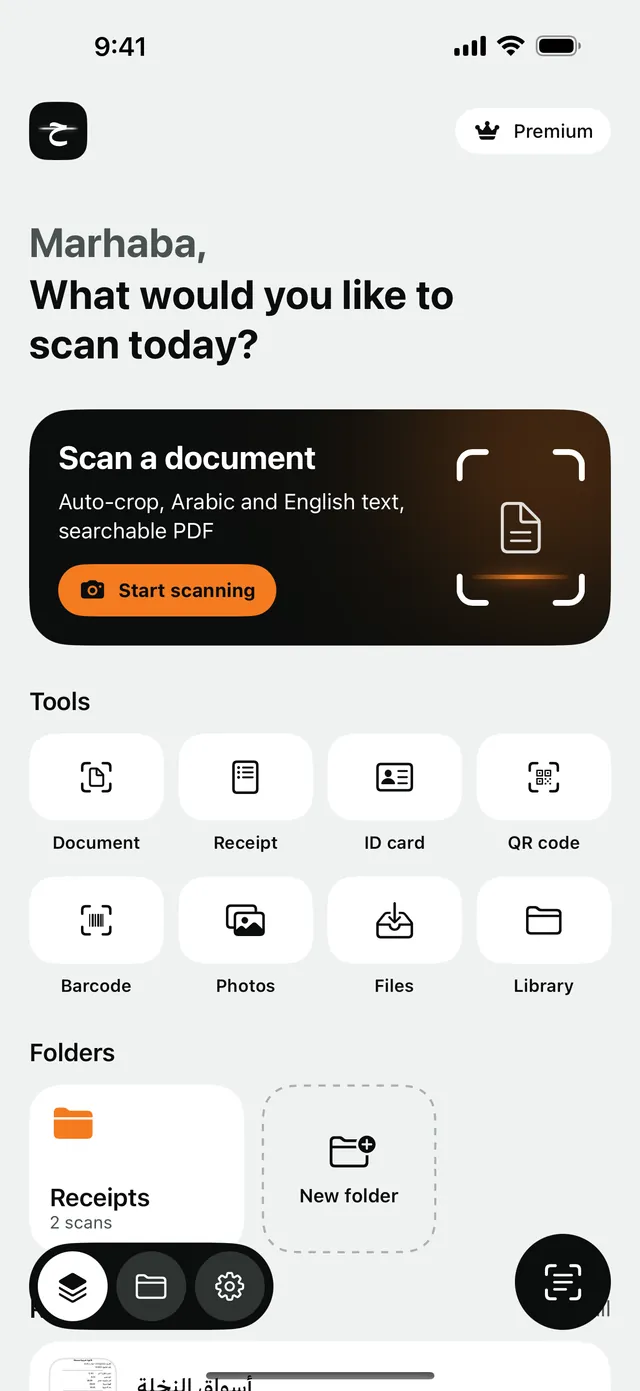
Turn contracts, receipts, IDs and notes into searchable PDFs and copyable text. Harfy reads Arabic and English right on your iPhone, so nothing you scan is ever uploaded.

  • Text recognition works offline
  • Arabic & English
  • No account, no uploads
Harfy screenshot
Harfy screenshot

The problem

Most scanners don't read Arabic, or send your papers to a server.

Many scanner apps garble Arabic text, and the ones that read it often upload your pages to the cloud to do it. That's not what you want for a tenancy contract or a copy of your Iqama.

  • Arabic comes out garbled or not at all

    Accurate Arabic and English recognition

  • Your documents are uploaded to read them

    Everything is read on your iPhone, offline

  • ID numbers shared in plain sight

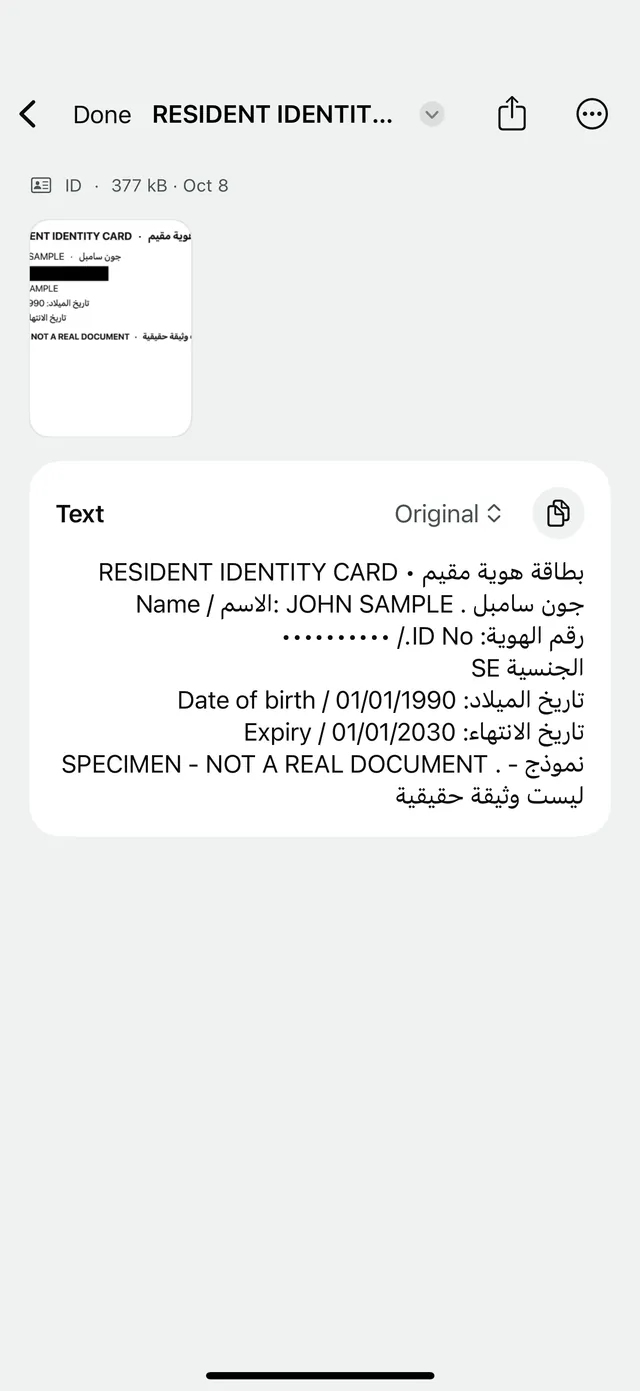
    Hide Iqama and Emirates ID numbers before sharing

Scan anything

Point, capture, done.

Harfy finds the page edges live and captures automatically once the image is sharp. Scan several pages in one go, then crop with a magnifying loupe, rotate, retake or reorder before you save.

  • Live page detection with auto-capture
  • Multi-page scans in one go
  • Filters: Enhanced, Grayscale, Black & White
Harfy screenshot

Receipts & VAT

The total, date and VAT, read for you.

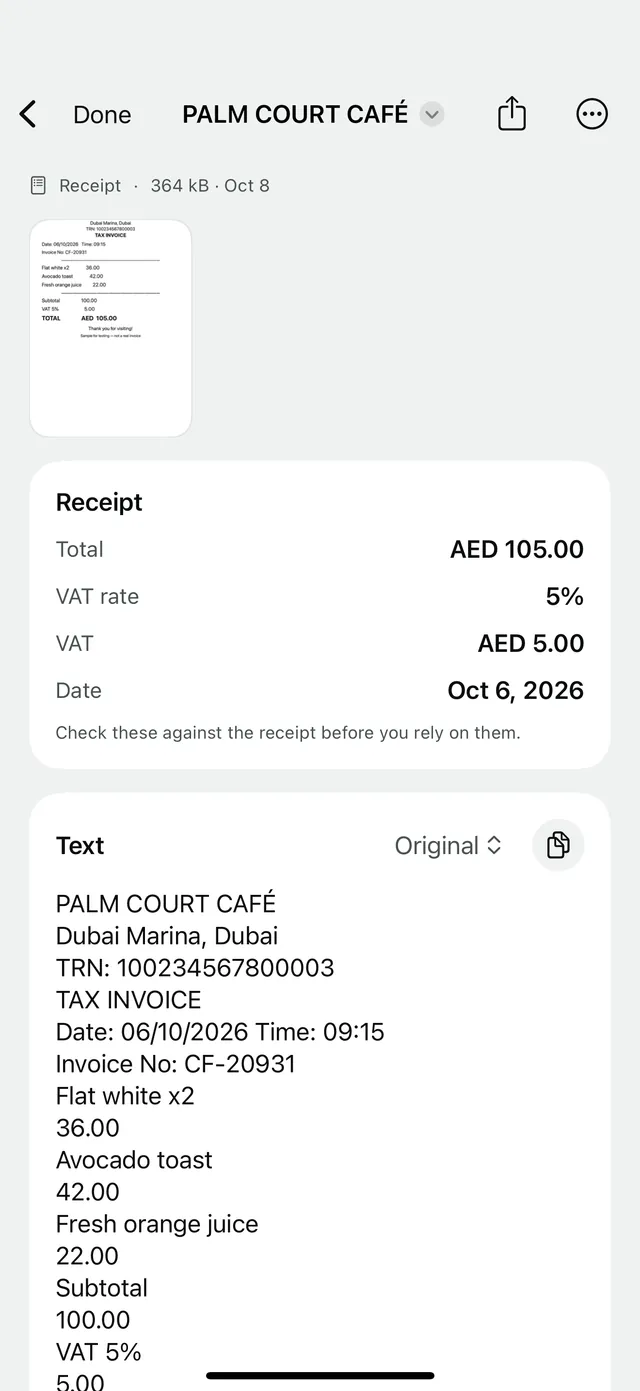
Scan a receipt in Arabic or English and Harfy pulls out the total, the date, the VAT and its rate, with Saudi 15% and UAE 5% built in. Expense claims just got a lot quicker.

  • Arabic and English receipts
  • Saudi 15% and UAE 5% VAT
  • Western or Eastern Arabic digits
Harfy screenshot

ID redaction

Share a copy, not your ID number.

Before you send a copy of your Iqama or Emirates ID, Harfy blacks out the number on the image and masks it in the text. Share what's needed and nothing more.

  • Numbers blacked out on the image
  • Masked in the recognised text too
  • Lock Harfy itself with Face ID
Harfy screenshot

Everything inside

A complete scanner, built for Gulf paperwork.

  • Searchable PDFs

    Find any word in any scan later, with an invisible text layer.

  • Copy text

    Copy with original, 1 2 3 or ١ ٢ ٣ digits.

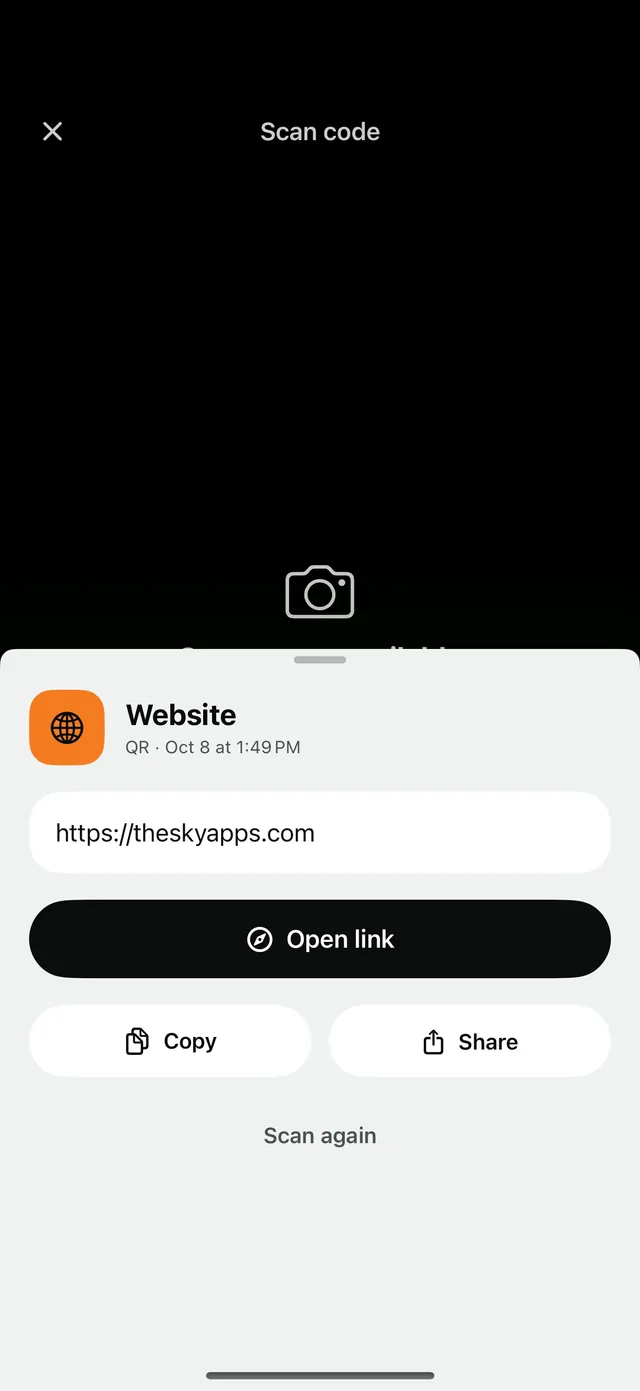
  • QR codes & barcodes

    Websites, Wi-Fi, contacts, locations and products, with a history.

  • Folders & search

    Organise scans and search by title or by the text inside.

  • Share any way

    PDF, JPG, PNG or text, named after your scan.

  • Face ID lock

    Keep your scans behind Face ID or your passcode.

Pricing

Free to start. Premium when you want more.

Free

Everything you need, no time limit

  • 3 document scans a month
  • Arabic and English text recognition
  • Searchable PDFs and copyable text
  • QR codes and barcodes
  • Folders, search and Face ID lock

Premium

Monthly, yearly or a one-time purchase

  • Unlimited scans and folders
  • Receipt mode: total, date and VAT
  • ID number redaction
  • PDFs without the Harfy footer

Premium is available monthly, yearly, or as a one-time lifetime purchase.

Privacy

What you scan never leaves your phone.

Harfy uses Apple's on-device text recognition. Your images, recognised text and folders are stored only on your iPhone. No account, no ads, no tracking.

  • Recognition on your device
  • No account or sign-up
  • No ads or tracking

FAQ

Questions, answered

Does Harfy need an internet connection?

No. Scanning and Arabic and English text recognition both work offline, right on your iPhone.

Are my documents uploaded anywhere?

No. Images, text and folders are stored only on your device. The only thing that leaves your phone is your purchase history, handled by the App Store.

Can it read handwriting?

Harfy is designed for printed text such as contracts, receipts, IDs and printed notes. Neat handwriting may work, but printed pages give the best results.

What can I do with a scan?

Save it as a searchable PDF, copy the text, file it in a folder, or share it as PDF, JPG, PNG or plain text.

Your paperwork, finally searchable.

Download Harfy free and scan your first Arabic document in seconds.

Free · In-app purchases · iPhone · iPad · Requires iOS 18 or later